
School photographs are available to browse. Gallery management is available to logged-in school staff only.
Create New Album
⬆ Upload Photographs
Upload first — no need to create or choose an album. Photos appear in All Photos; afterwards you can move any photo into an album. Upload up to 25 per selection. Original quality is preserved within the hosting service’s 5 MB-per-file upload limit.
Original photo quality is preserved. JPG / PNG / WebP up to 5 MB per file (hosting-provider restriction). Select another set of 25 after each batch. Photos appear in the shared gallery once the server confirms publication.
Uploaded School Photos
10 photographs already uploaded to the school website
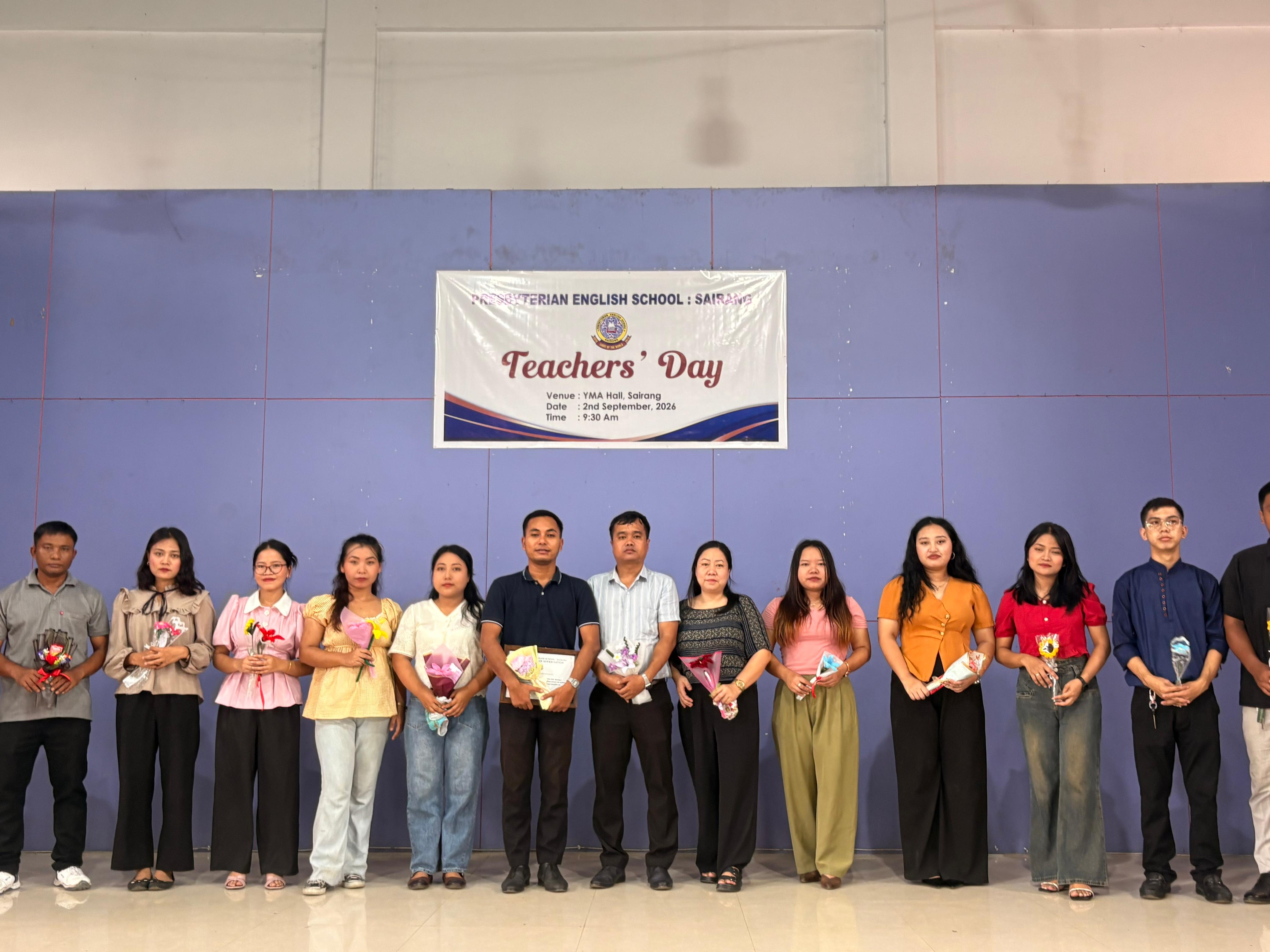
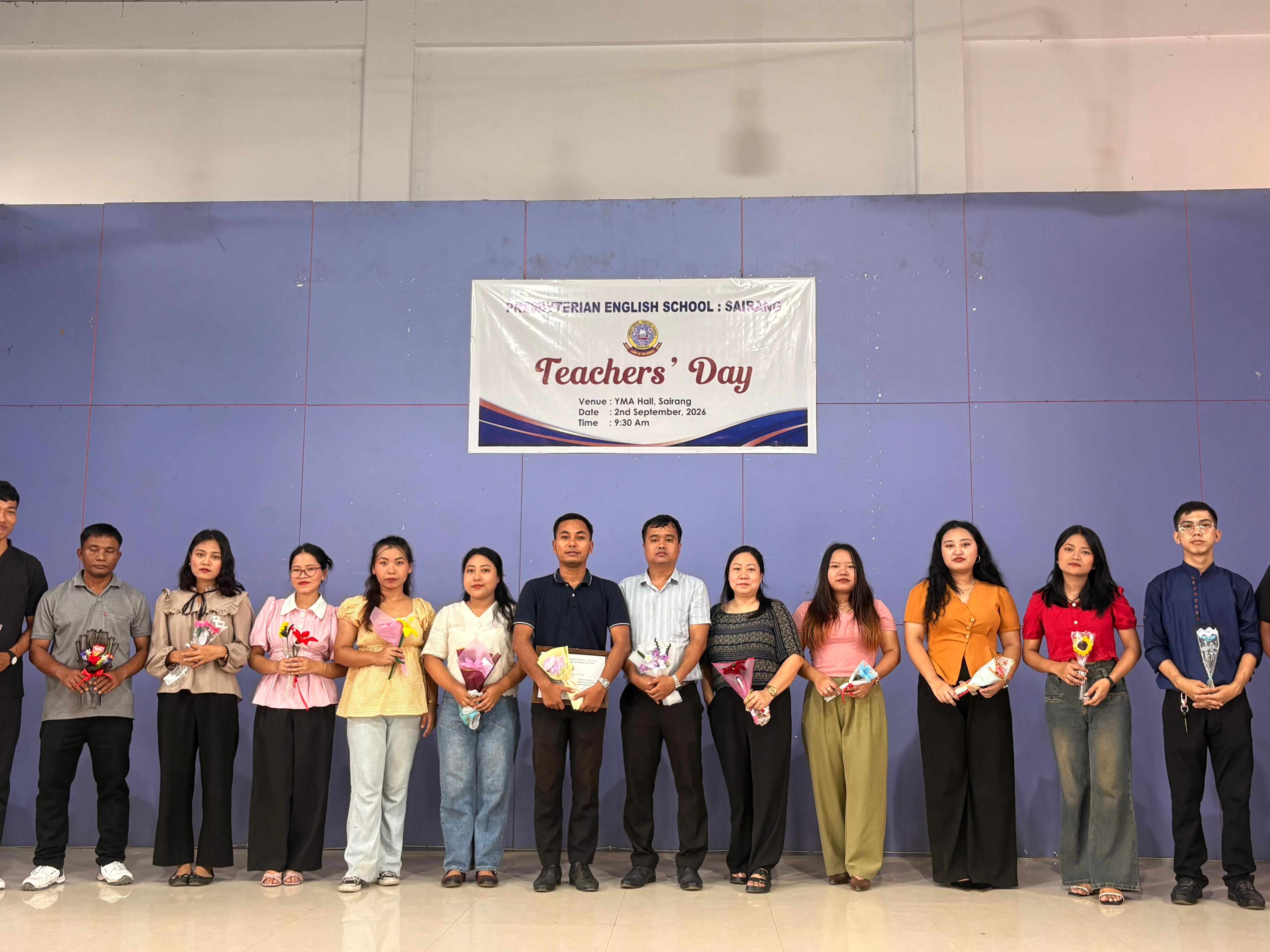
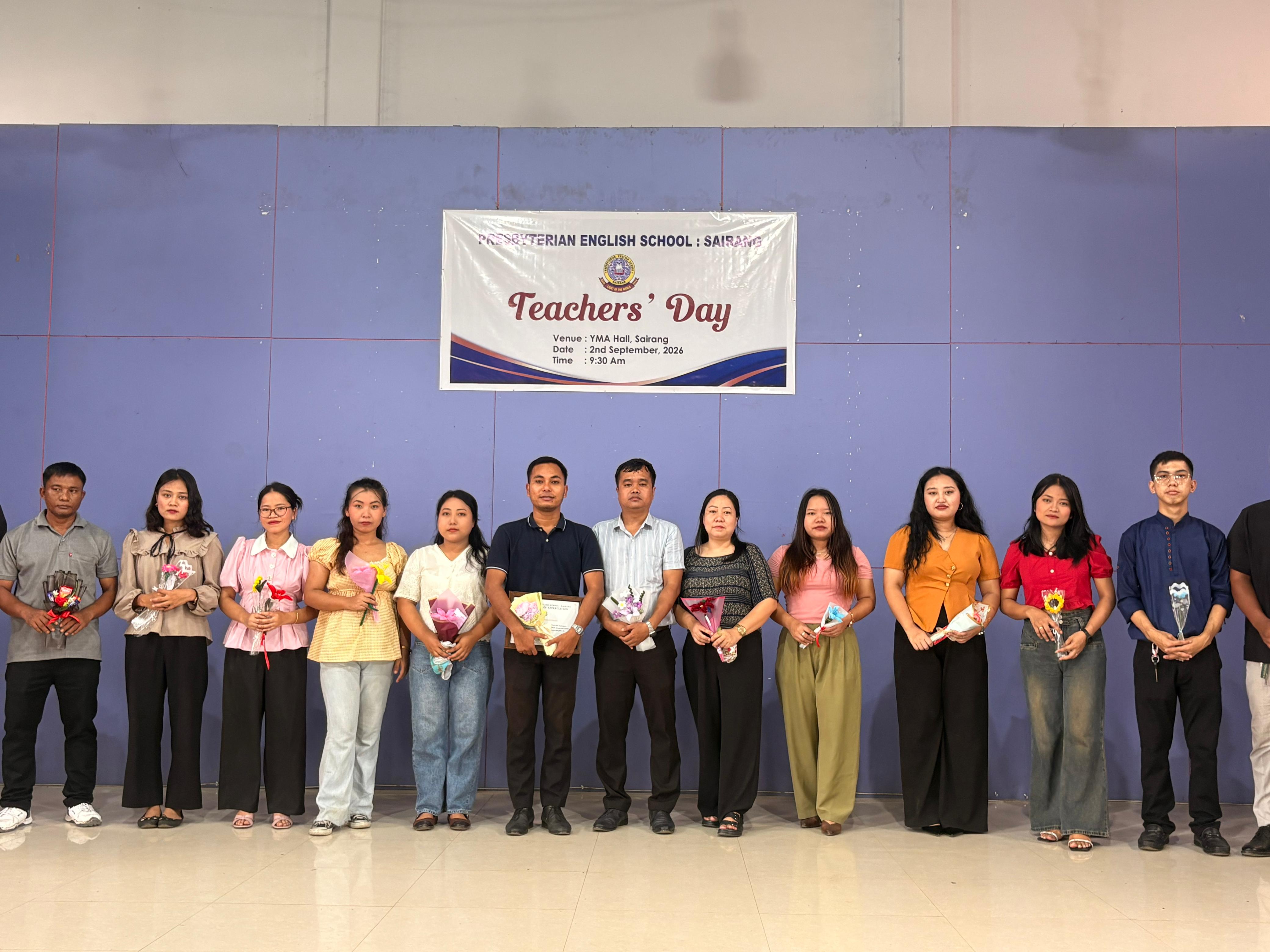
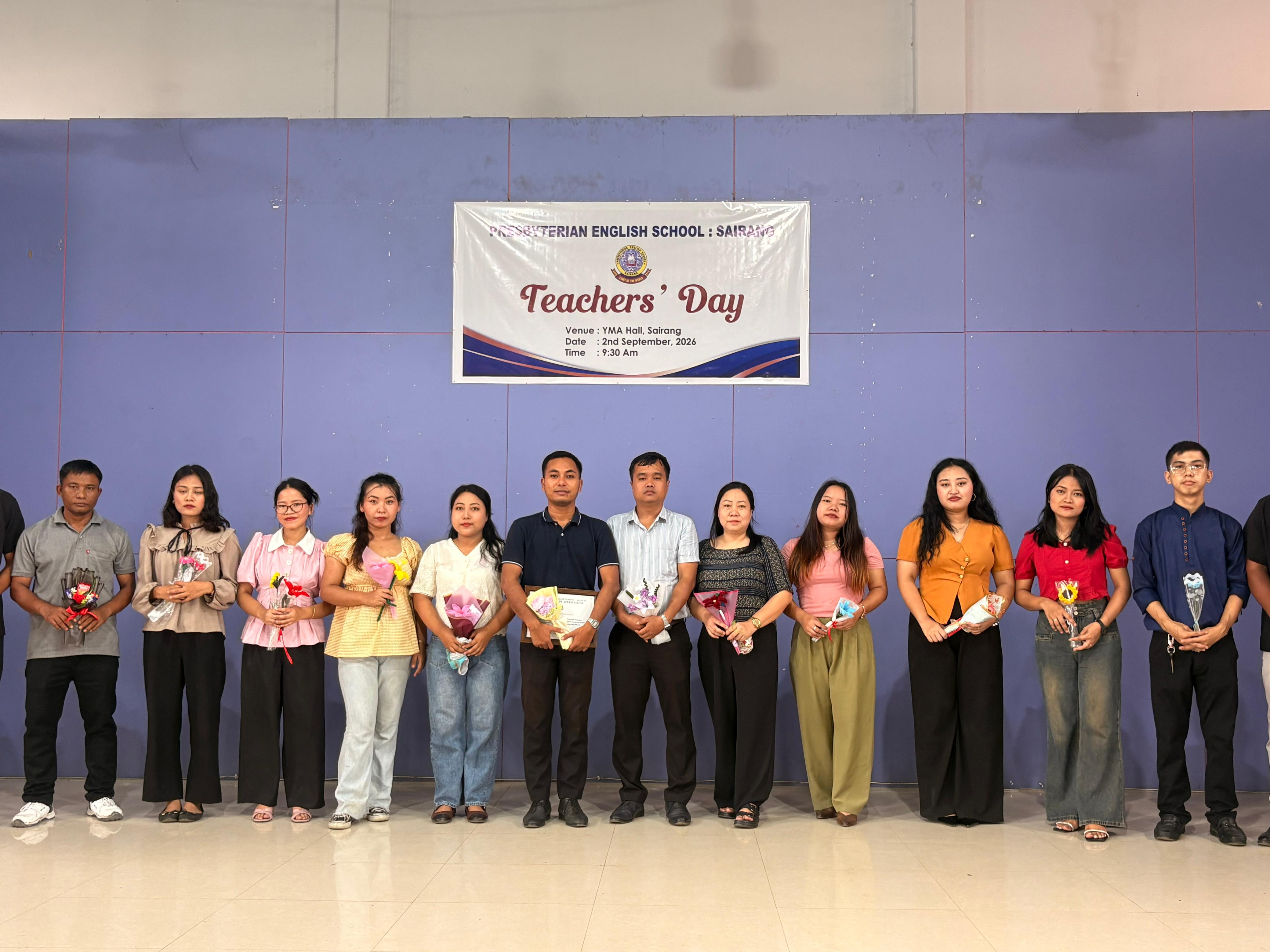
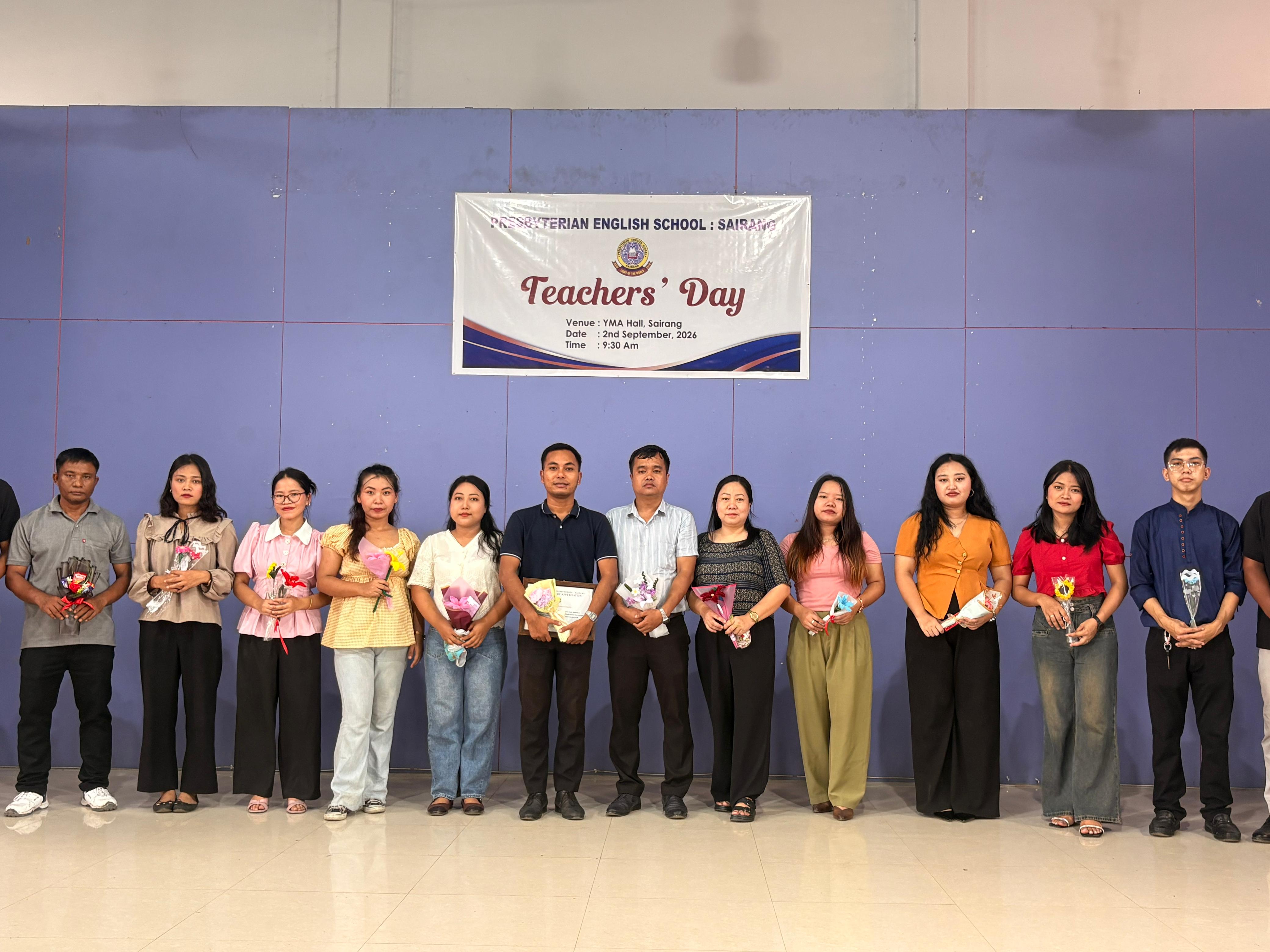
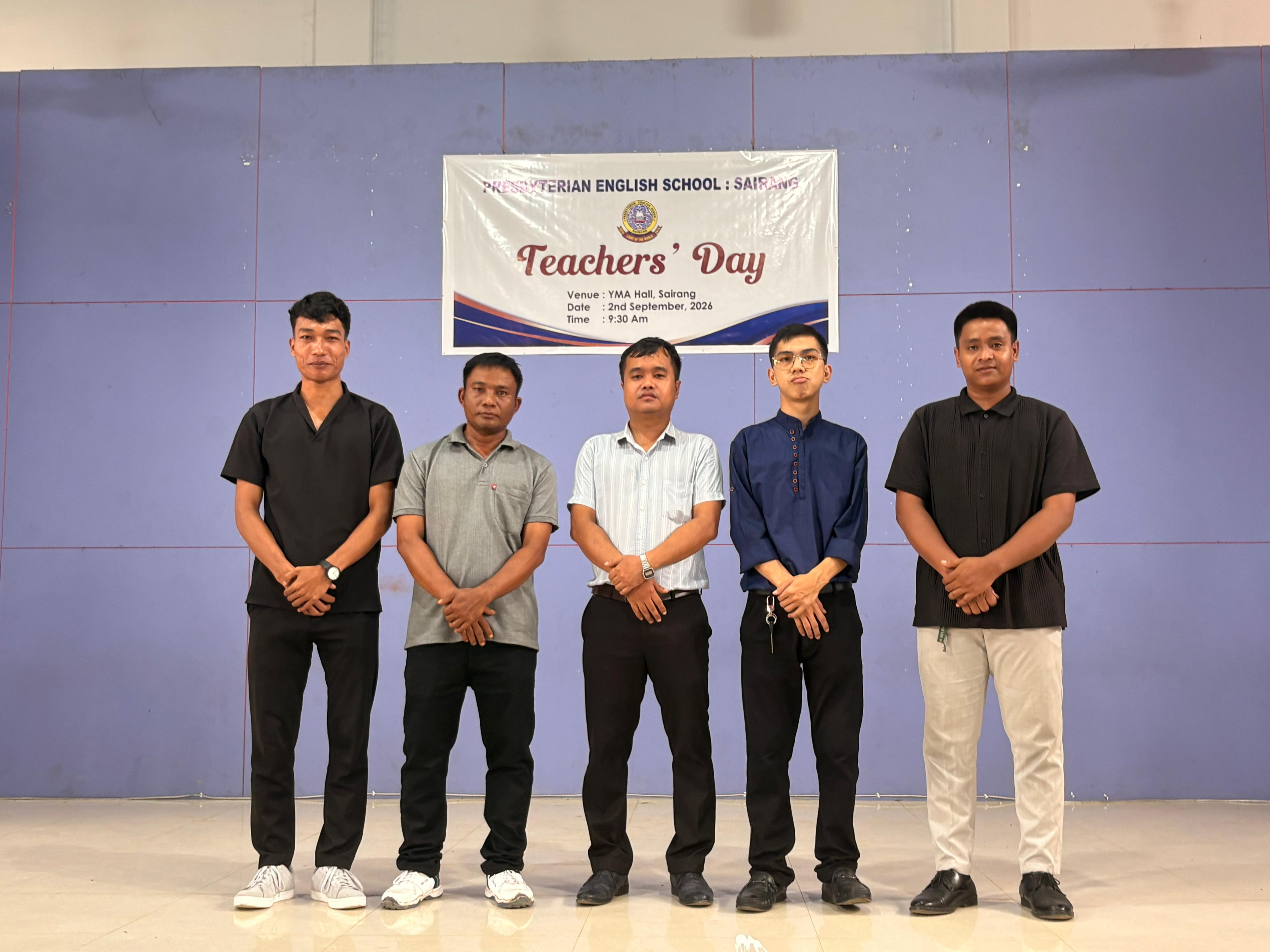
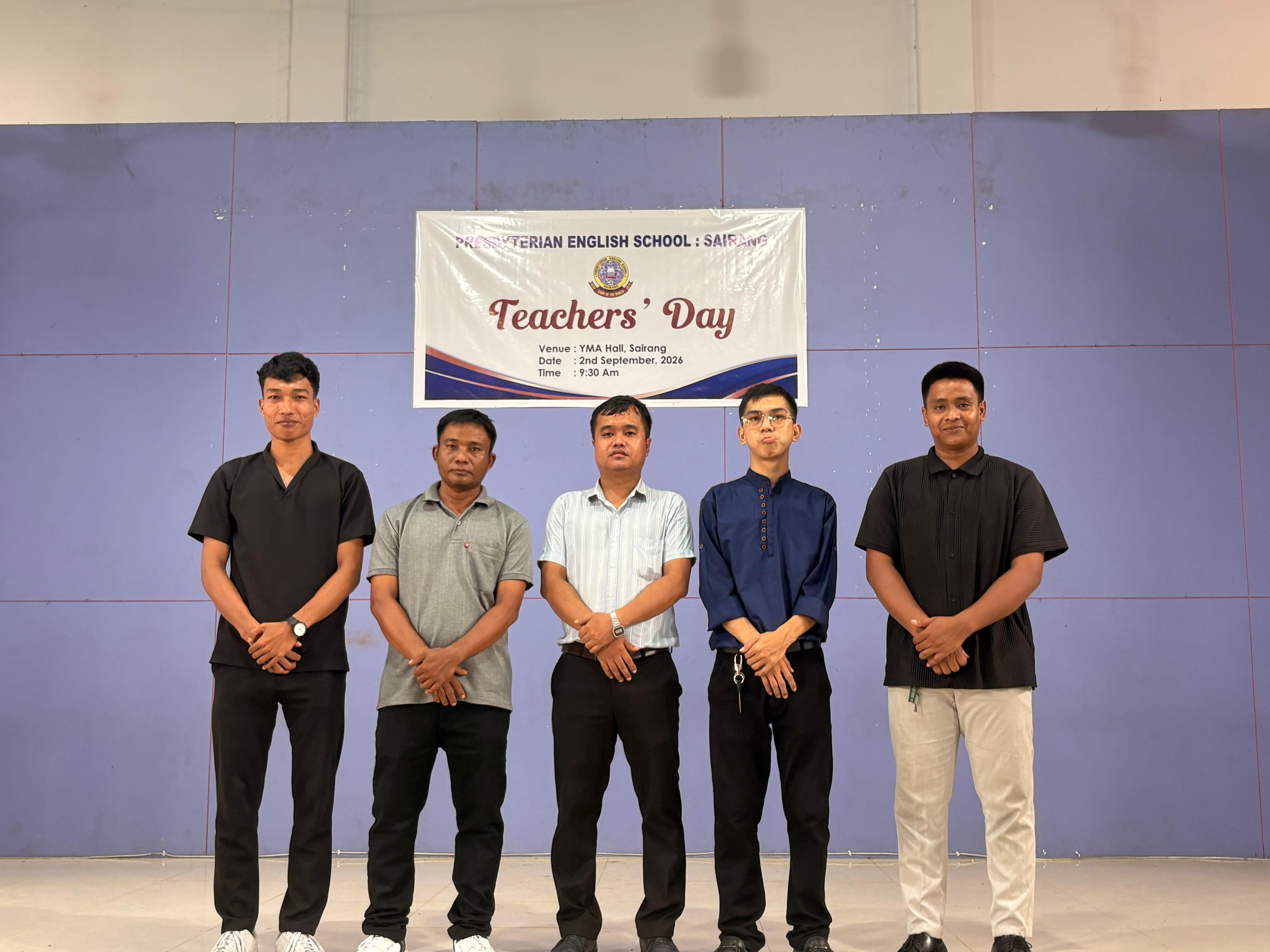
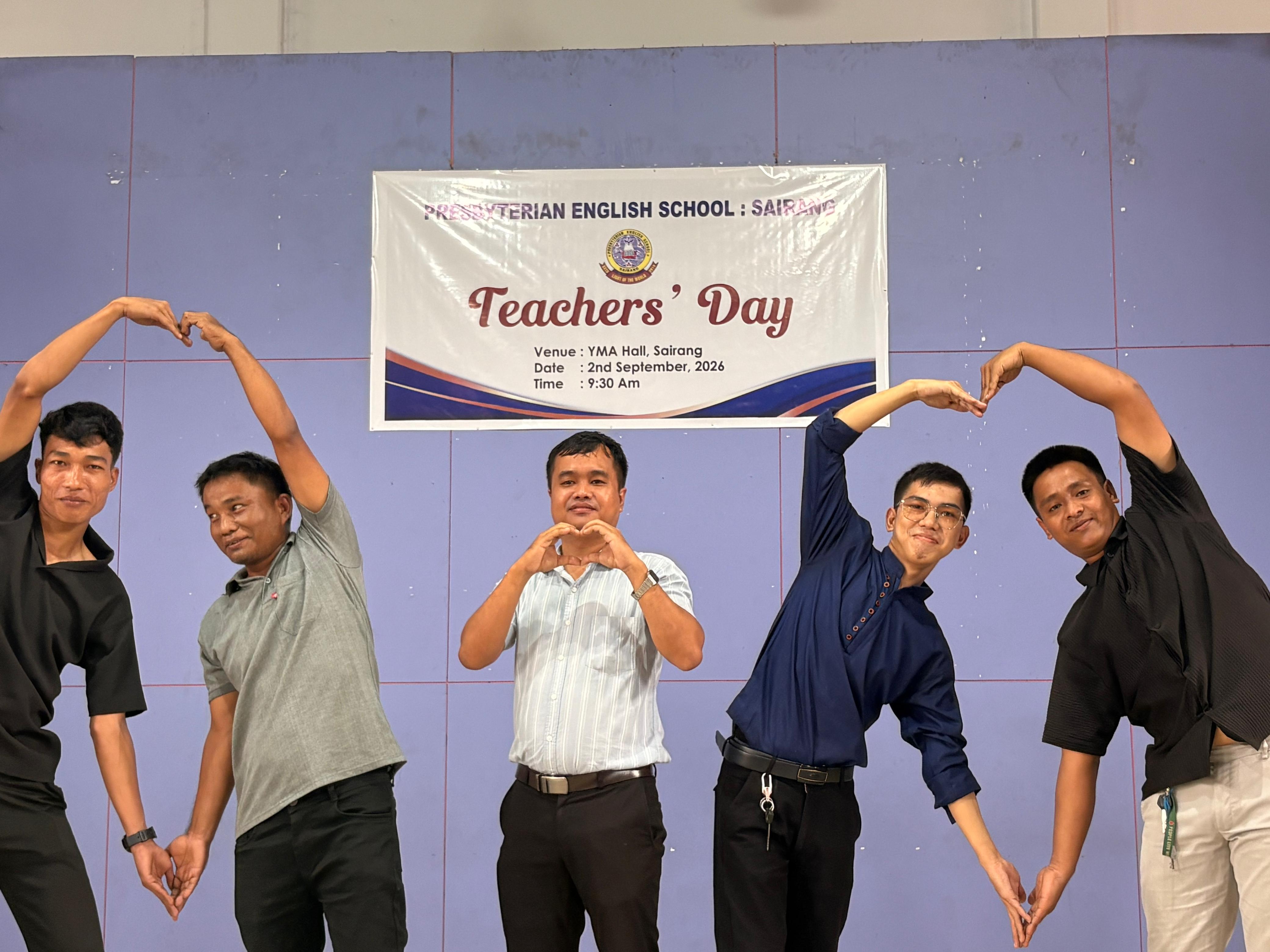


Photo Albums
Shared across devicesLoading school albums…
Teacher / School Office Login
Only authorised school staff can upload and manage gallery photographs. Use your school office account.
Manage School Gallery
Changes made here are saved to the school website server and are visible to visitors across devices.